Marketing Activations & Destination Syncs
A Customer Data Platform is only as valuable as the actions it enables. Keystone's Marketing Activations engine synchronizes dynamic customer cohorts, synthesized traits, and conversion signals directly into external marketing and advertising destinations in real time.
1. The Activations Console
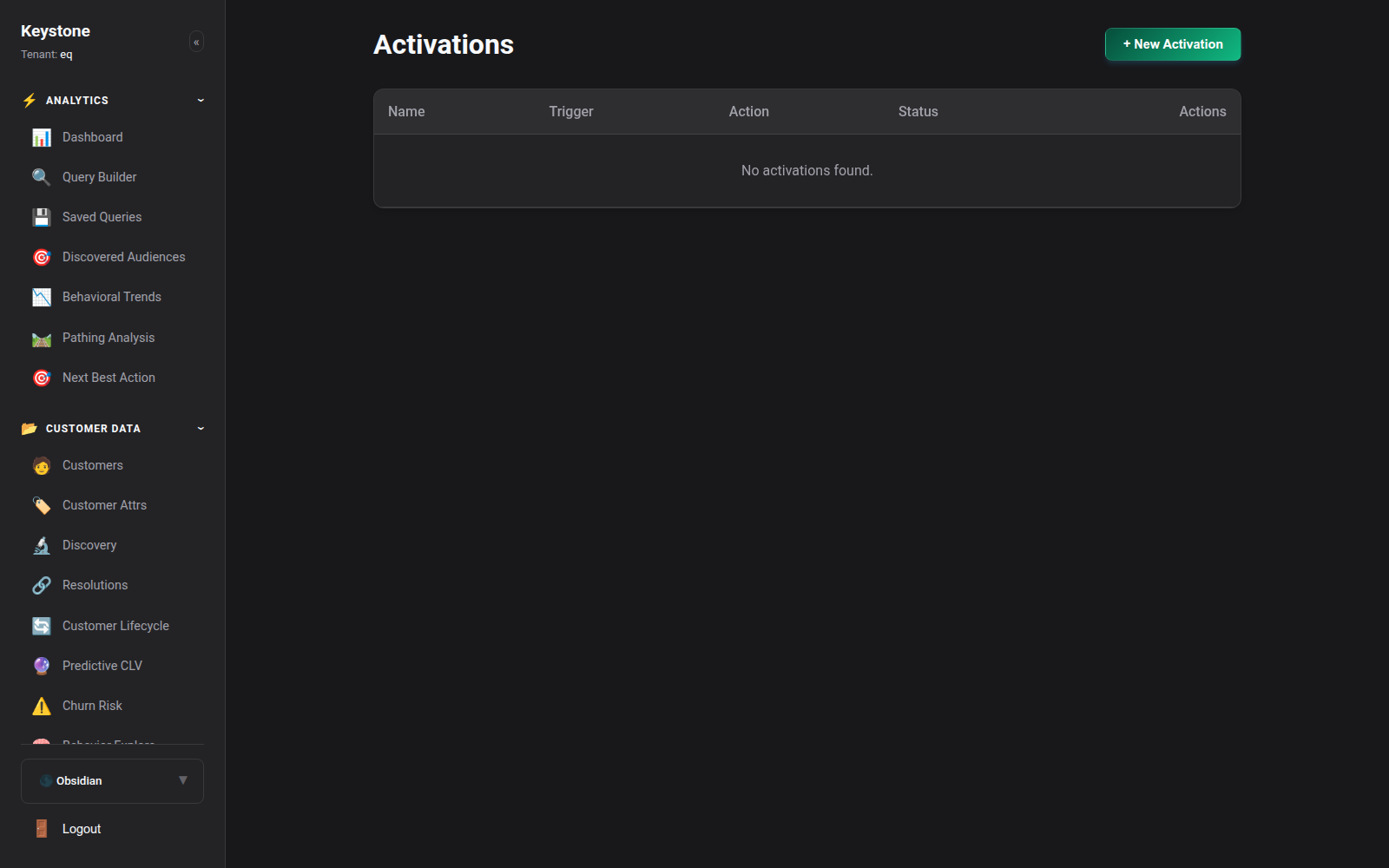
Navigate to Activations (/activations) to manage your downstream synchronization pipelines.
Click to enlarge
Key Display Elements:
- Active Destinations: Live list of configured external integrations.
- Sync Cadence: Real-time event streaming vs scheduled micro-batch intervals (e.g. every 15 minutes).
- Delivery Health: Success rate, last sync timestamp, records transmitted, and error count.
2. Supported Destination Connectors
Keystone maintains native, high-performance connectors for leading marketing and advertising platforms:
2.1 Meta Ads (Facebook & Instagram)
- Conversions API (CAPI): Stream server-side purchase and lead events directly to Meta without relying on third-party browser cookies.
- Custom Audiences: Continuously sync high-value cohorts (e.g., Champions, VIPs) for targeted retargeting or Value-Based Lookalike audience generation.
2.2 Google Ads
- Customer Match: Upload hashed email addresses and phone numbers to Google Ads for Search, YouTube, and Display targeting.
- Enhanced Conversions: Transmit first-party conversion data to improve Google Smart Bidding algorithm performance.
2.3 Email & Marketing Automation (Klaviyo & Mailchimp)
- Dynamic List Synchronization: Real-time cohort membership sync. As a customer enters the "At Risk" segment in Keystone, they are automatically subscribed to the corresponding retention flow in Klaviyo.
- Custom Profile Properties: Sync synthesized traits like
predicted_clv,churn_risk_score, andpreferred_product_categoryinto customer custom fields.
2.4 E-Commerce Platforms (Shopify)
- Customer Tagging: Automatically apply customer tags (e.g.,
VIP-Tier-1,High-Churn-Risk) directly inside Shopify admin. - Metafield Updates: Update customer metafields to dynamically adjust storefront discounts or personalized recommendations.
3. Configuring an Activation Pipeline
Setting up a new destination sync takes just three steps:
- Select Source Audience: Choose an active dynamic segment or saved query (e.g. High-Intent Cart Abandoners).
- Choose Destination: Select your target platform (e.g., Meta Conversions API).
- Field Mapping: Map Keystone canonical profile traits to destination fields:
email$\rightarrow$em(SHA-256 normalized)phone$\rightarrow$ph(E.164 normalized)first_name$\rightarrow$fncity$\rightarrow$ct- Enable Live Sync: Keystone's background workers will continuously sync audience changes.