Customer 360 & Unified Profiles
Keystone's Customer 360 unifies cross-channel behavioral events, e-commerce orders, subscription records, and synthesized machine learning traits into a single canonical customer view.
1. The Customer Directory
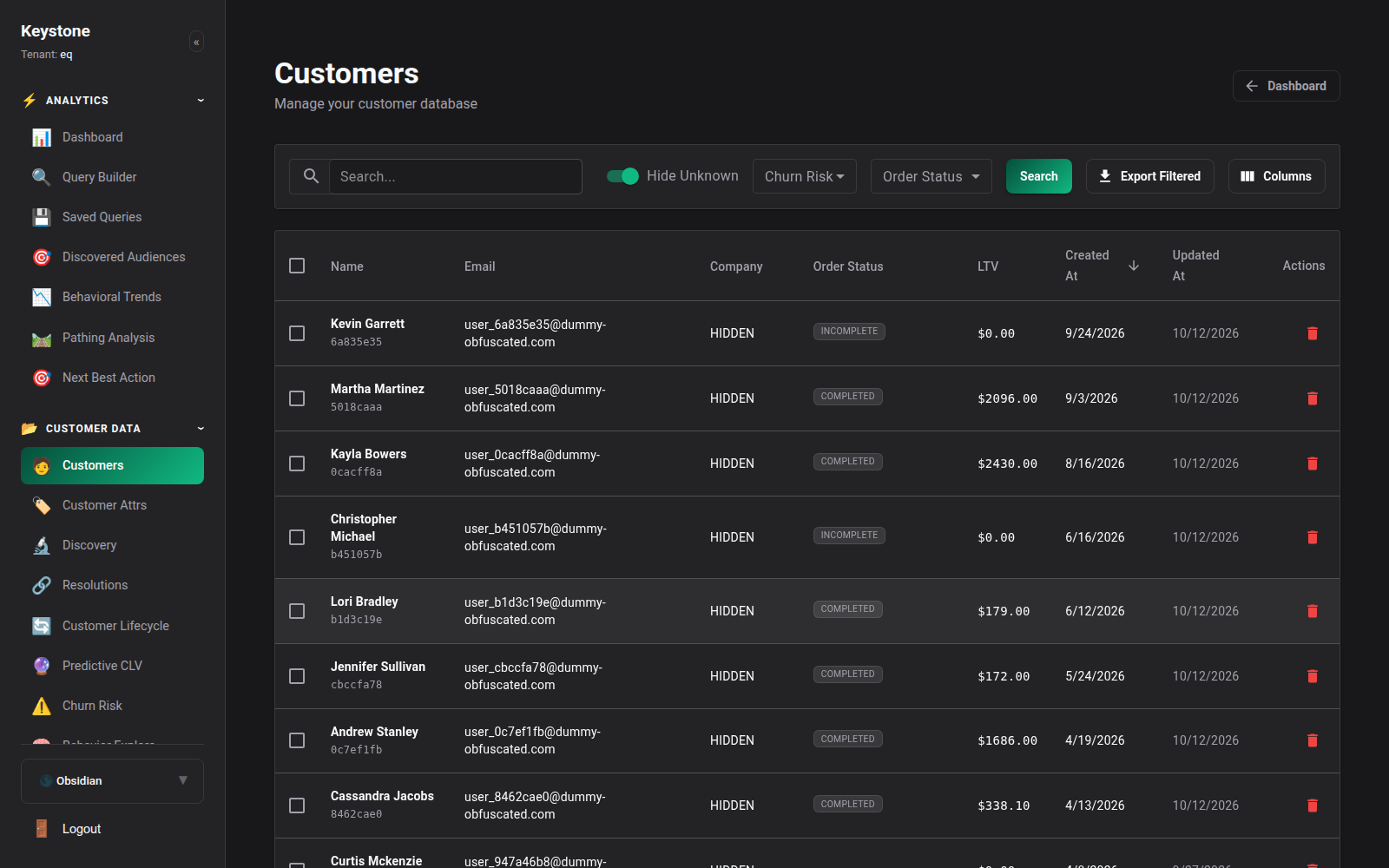
Navigate to Customers (/customers) in the main menu to open the searchable customer directory.
Key Directory Features:
- Instant Search: Search across millions of records by primary email, telephone, customer UUID, anonymous cookie ID, or external CRM identifier.
- RFM Segmentation Badges: Immediate visual badges identifying customer status: Champion, Loyal Customer, Potential Loyalist, At Risk, or Hibernating.
- Predictive Metrics: Live column displays showing Historical Revenue, Projected 12-Month LTV, and Churn Risk Probability.
- Verification Status: Indicates whether the profile is verified as an authoritative Anchor or operating as an enriched Shadow.
2. Customer Profile Overview
Clicking on any customer row opens the full Customer 360 Profile Drilldown.
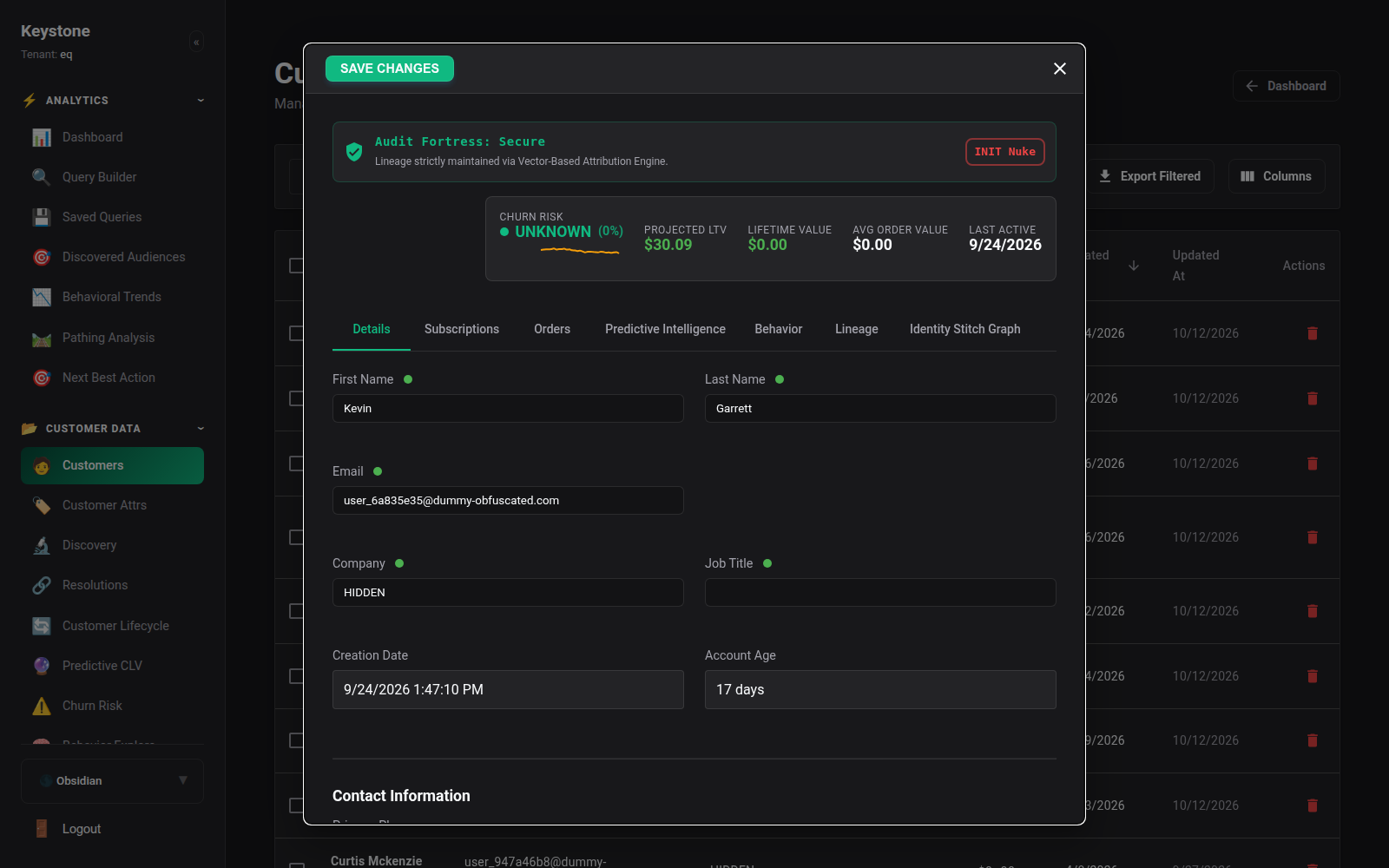
The overview screen provides: - Primary Header: Customer name, avatar, account creation date, last seen timestamp, and tenant UUID. - Core Financial Metrics: Lifetime Spend, Average Order Value (AOV), Total Orders, and Refund Rate. - Predictive Intelligence Summary: Churn Risk Score, Projected CLV, and Next Best Action recommendation. - Audit Fortress Badge: Real-time data verification state confirming identity lineage and attribution validity.
3. Profile Sub-Modules
Inside each customer profile, tabbed navigation provides access to deep diagnostic records:
3.1 Subscriptions & Recurring Revenue
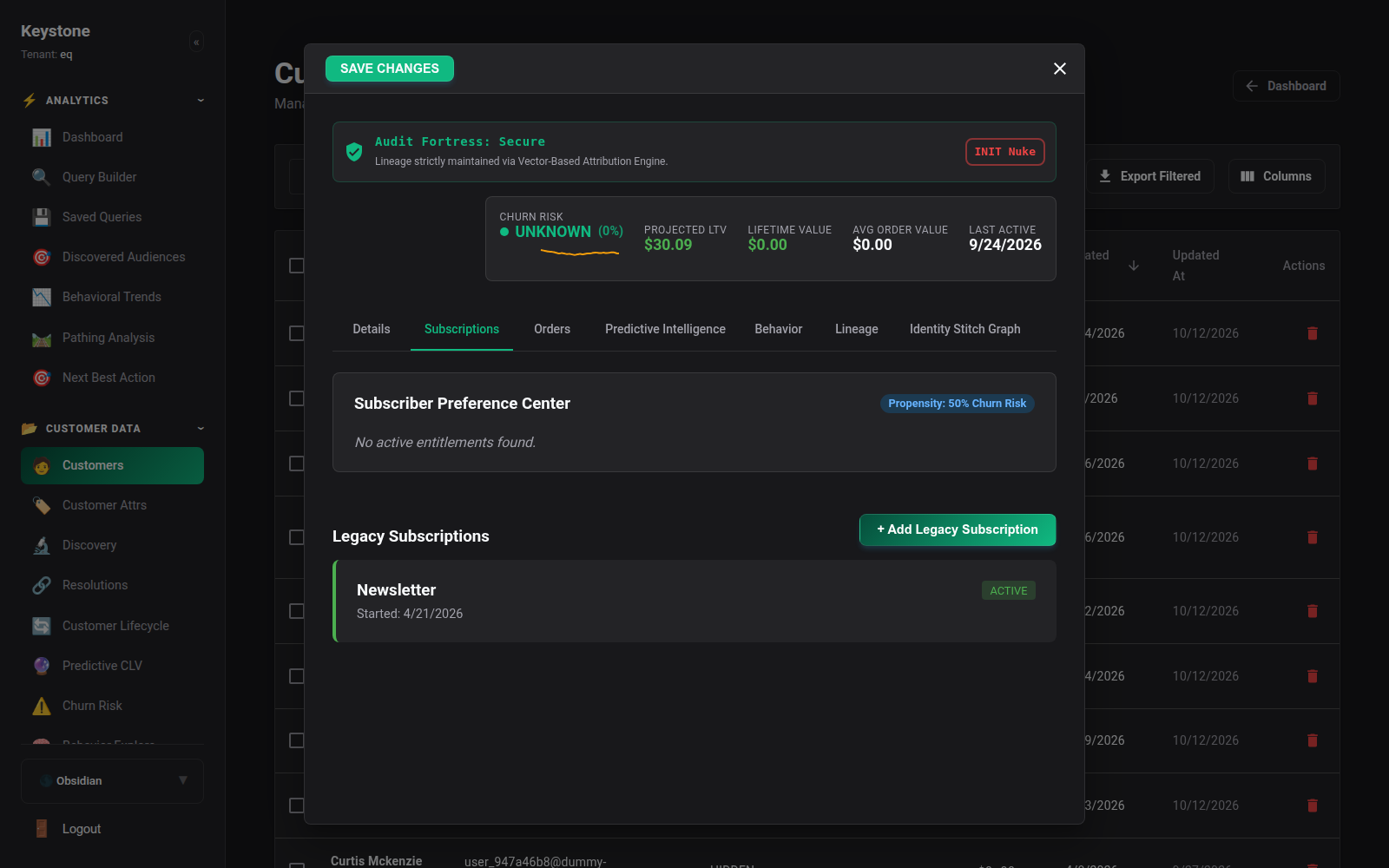
For SaaS and subscription e-commerce businesses, the Subscriptions tab tracks active subscription tiers, renewal dates, MRR contribution, and cancellation risk.
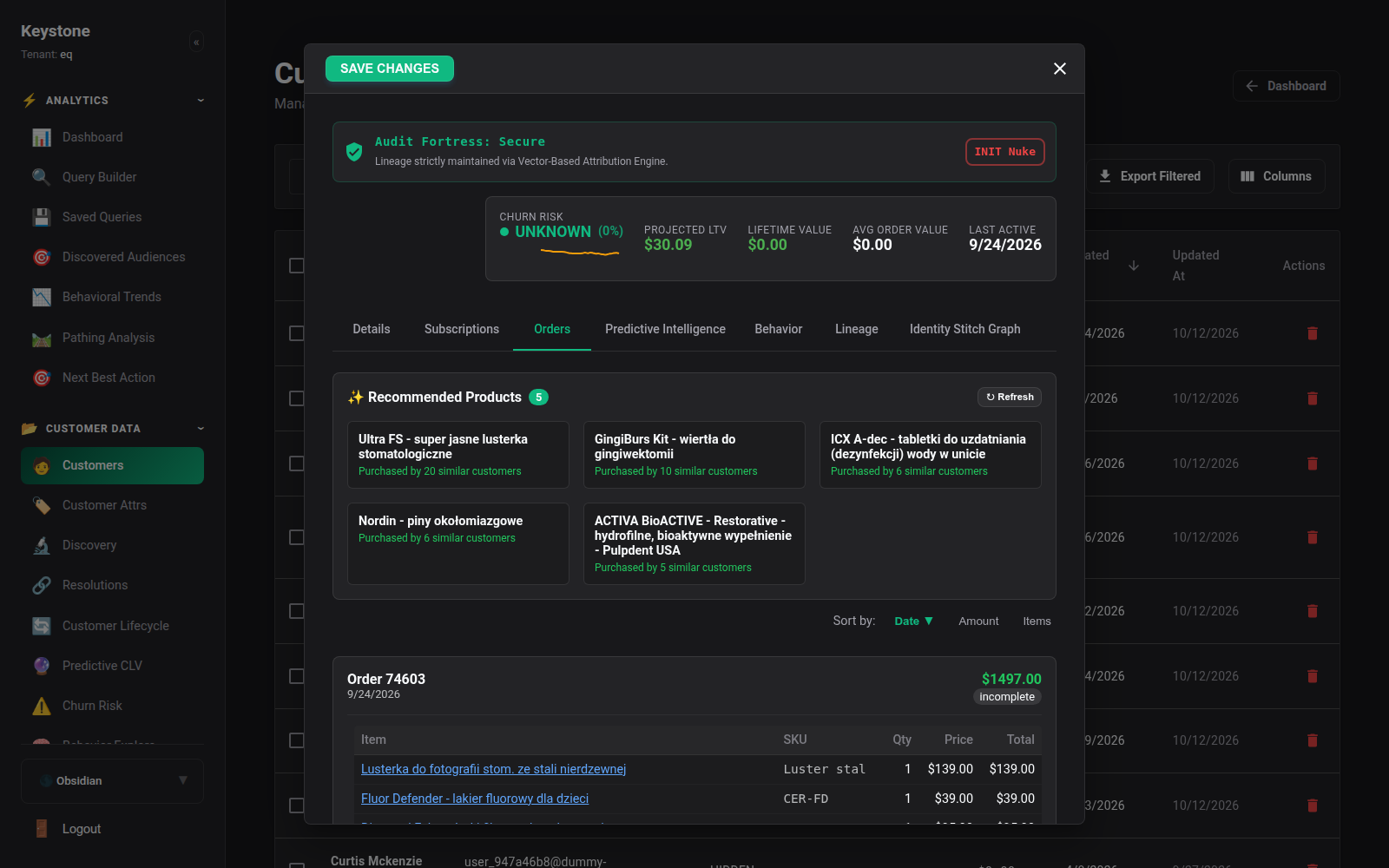
3.2 Orders & Transaction History
The Orders tab details every purchase made across digital storefronts, mobile apps, and point-of-sale systems: - Order status (completed, processing, refunded, abandoned cart). - Line item breakdowns with SKU, product title, unit price, and quantity. - Payment gateway references and discount codes applied.
3.3 Behavioral Event Stream
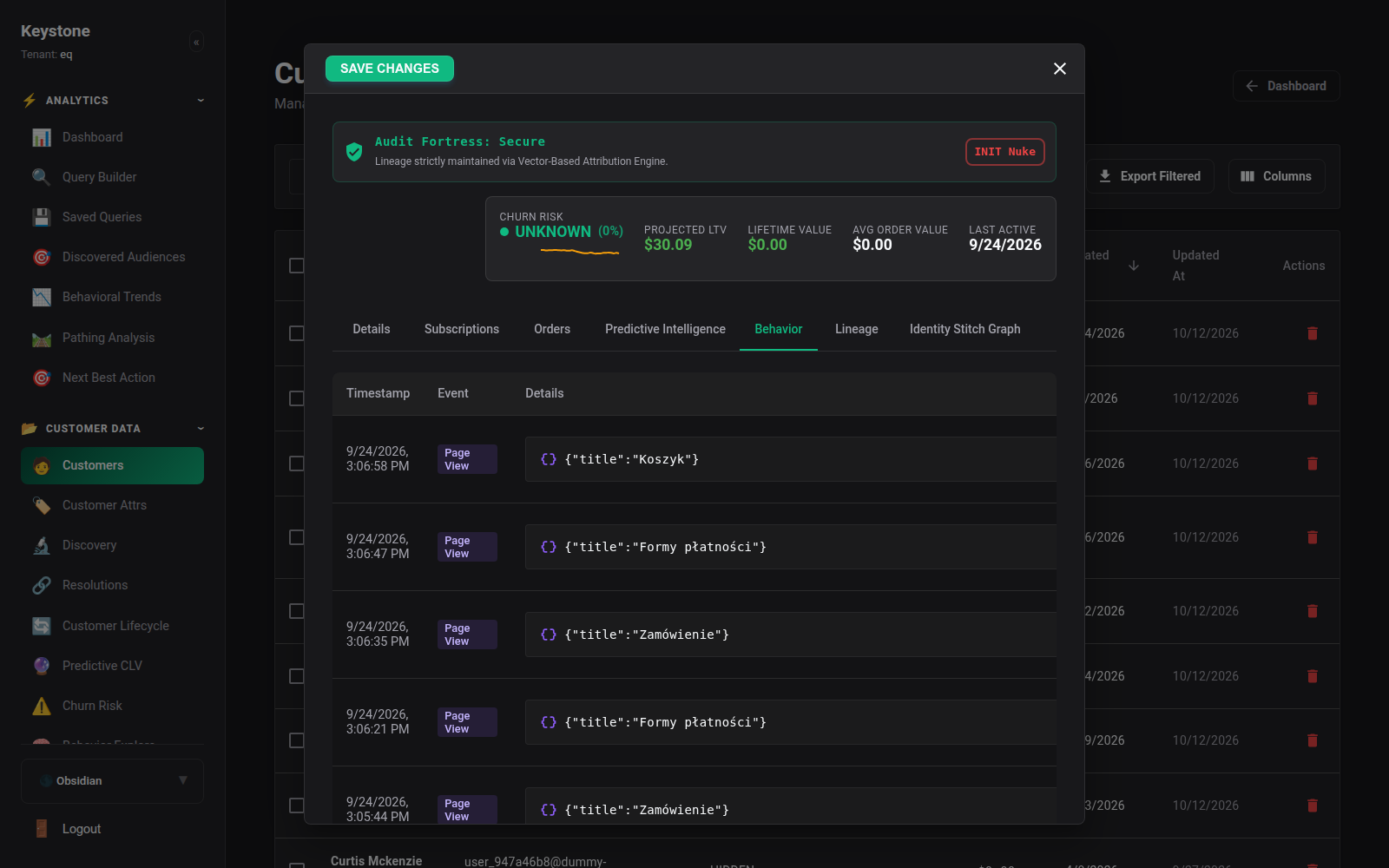
The Behavioral tab streams every digital interaction chronologically: - Page views with URL, referrer, and query parameters. - Product views, cart additions, and wishlist events. - Custom application events (e.g. video played, feature activated, document downloaded).
3.4 Predictive Intelligence & Traits
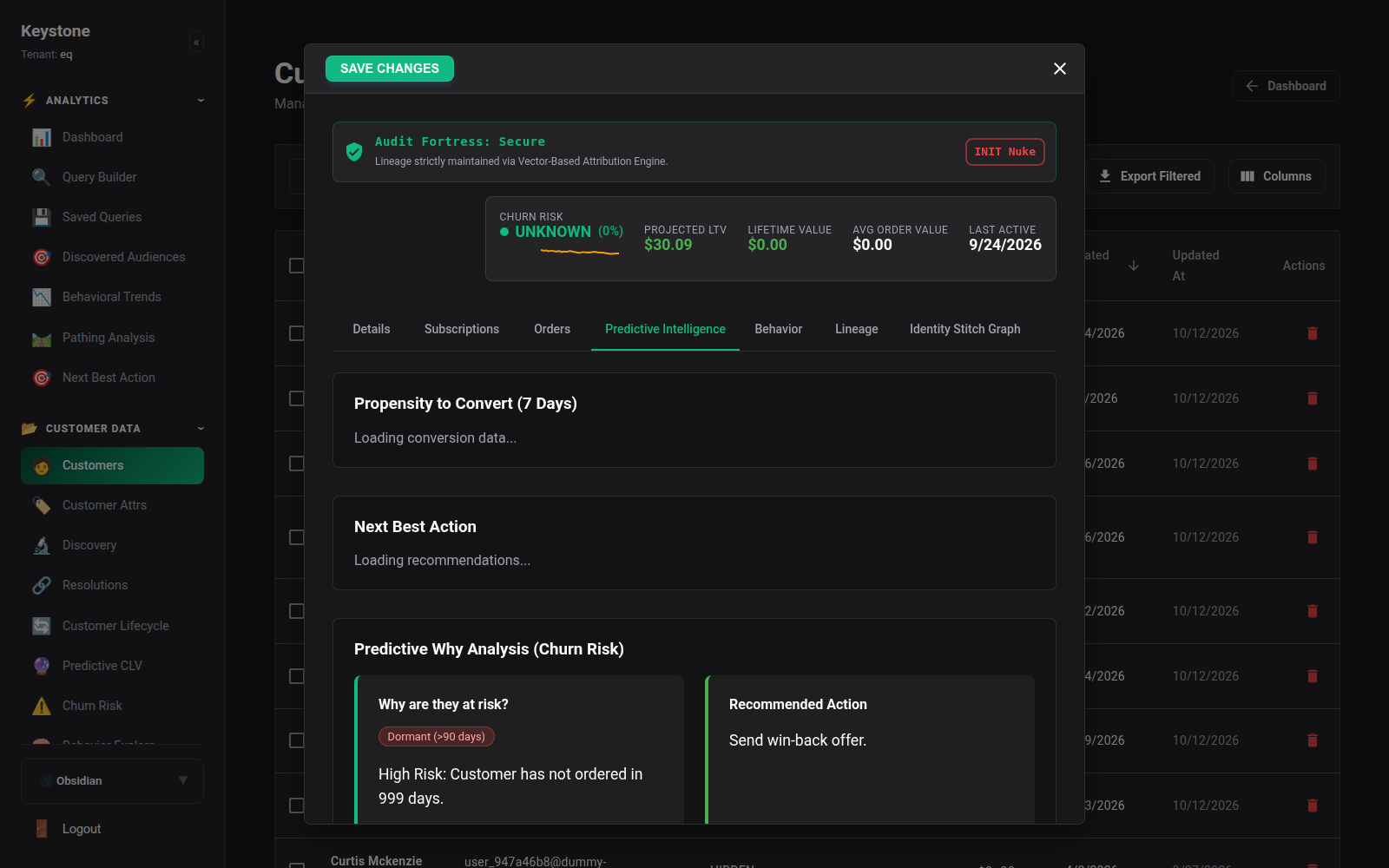
The Predictive tab displays algorithmic feature vectors calculated by Keystone's background machine learning pipelines: - CLV regression distribution. - Churn likelihood decay curve. - Propensity scores for specific product categories.
3.5 Identity Graph Visualizer
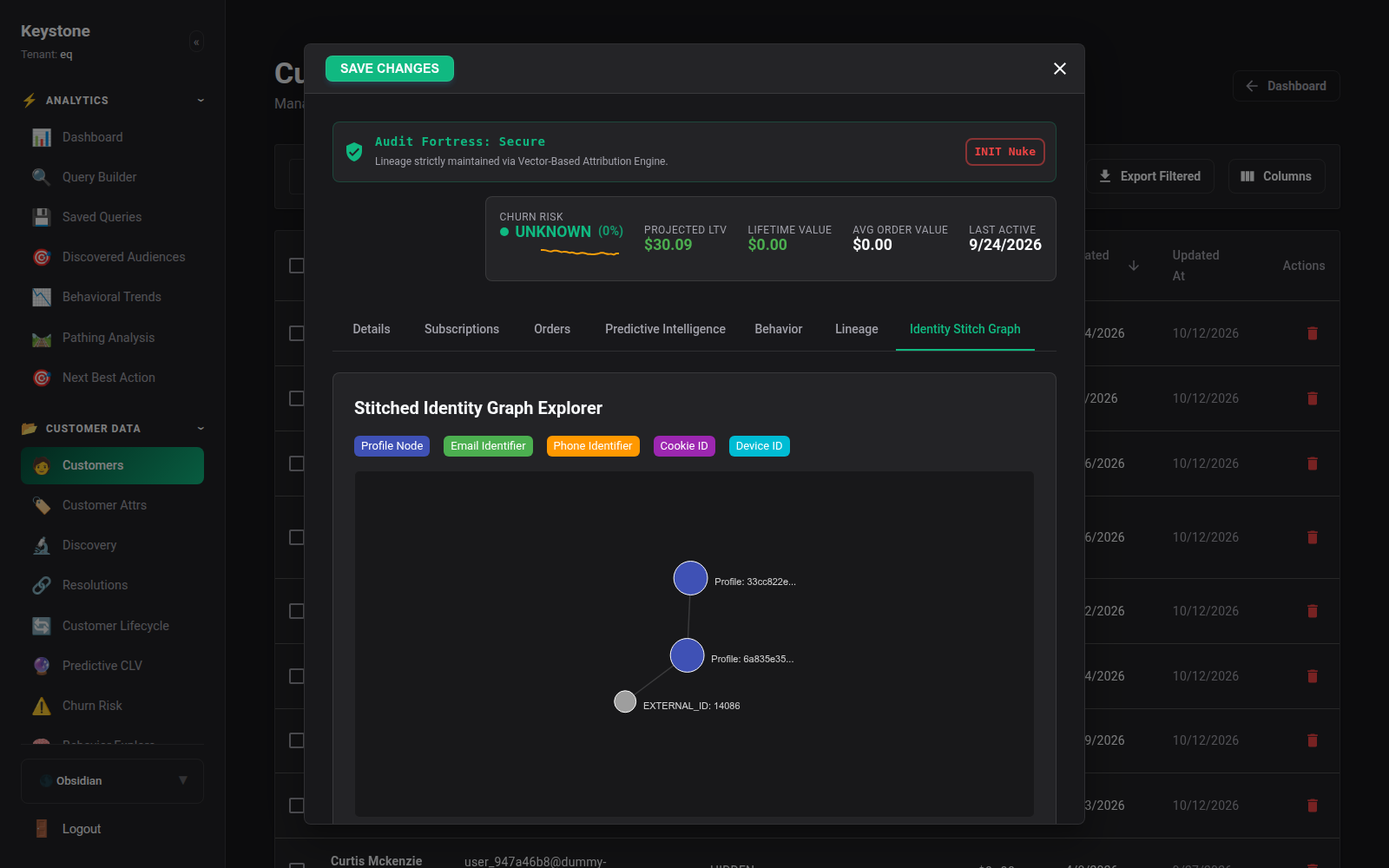
The Identity Graph tab renders an interactive node graph illustrating every connected identity token:
- Profile Node (Center)
- Email Identifiers
- Phone Numbers
- Anonymous Cookie IDs (keystone_anonymous_id)
- External Integrations (Shopify Customer ID, Stripe Customer ID)
4. Synthesized Traits & Dynamic Attributes
Keystone synthesizes higher-order traits from raw events automatically. For instance:
- first_purchase_date: Inferred from the earliest completed order.
- preferred_category: Calculated from browsing frequency and purchase weighting.
- inferred_gender_affinity / price_sensitivity: Derived from viewed price ranges.
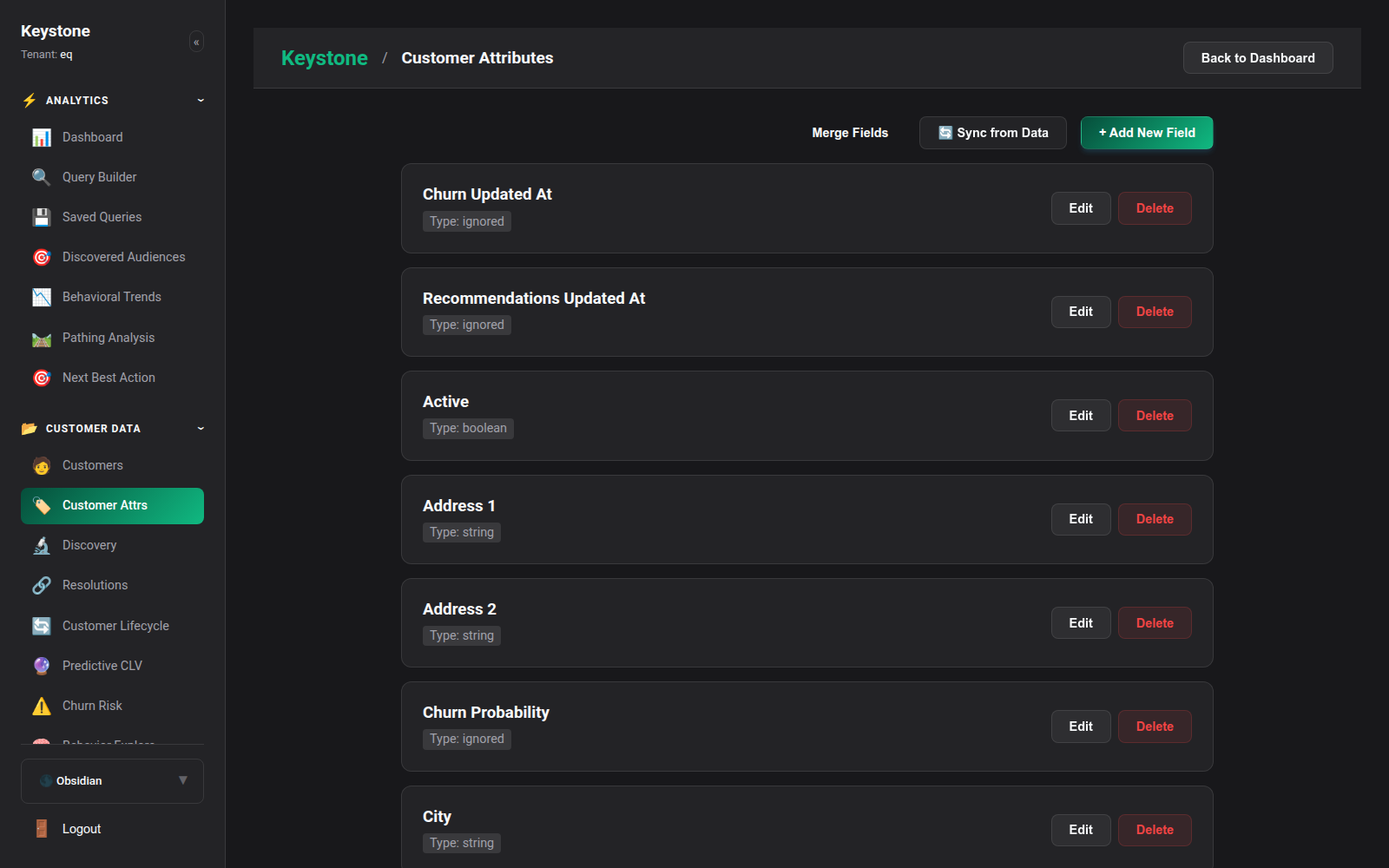
Navigate to Customers -> Attributes (/customers/attributes) to manage attribute schemas, define custom calculated fields, and inspect attribute distribution across your audience.