Product Catalog & Dynamic Attributes
Keystone's Commerce engine maintains a unified product catalog, automatically discovering SKUs from webhook transactions and synthesizing product attributes to power intelligent recommendations and revenue reporting.
1. The Products Directory
Navigate to Products (/products) to inspect the catalog inventory.
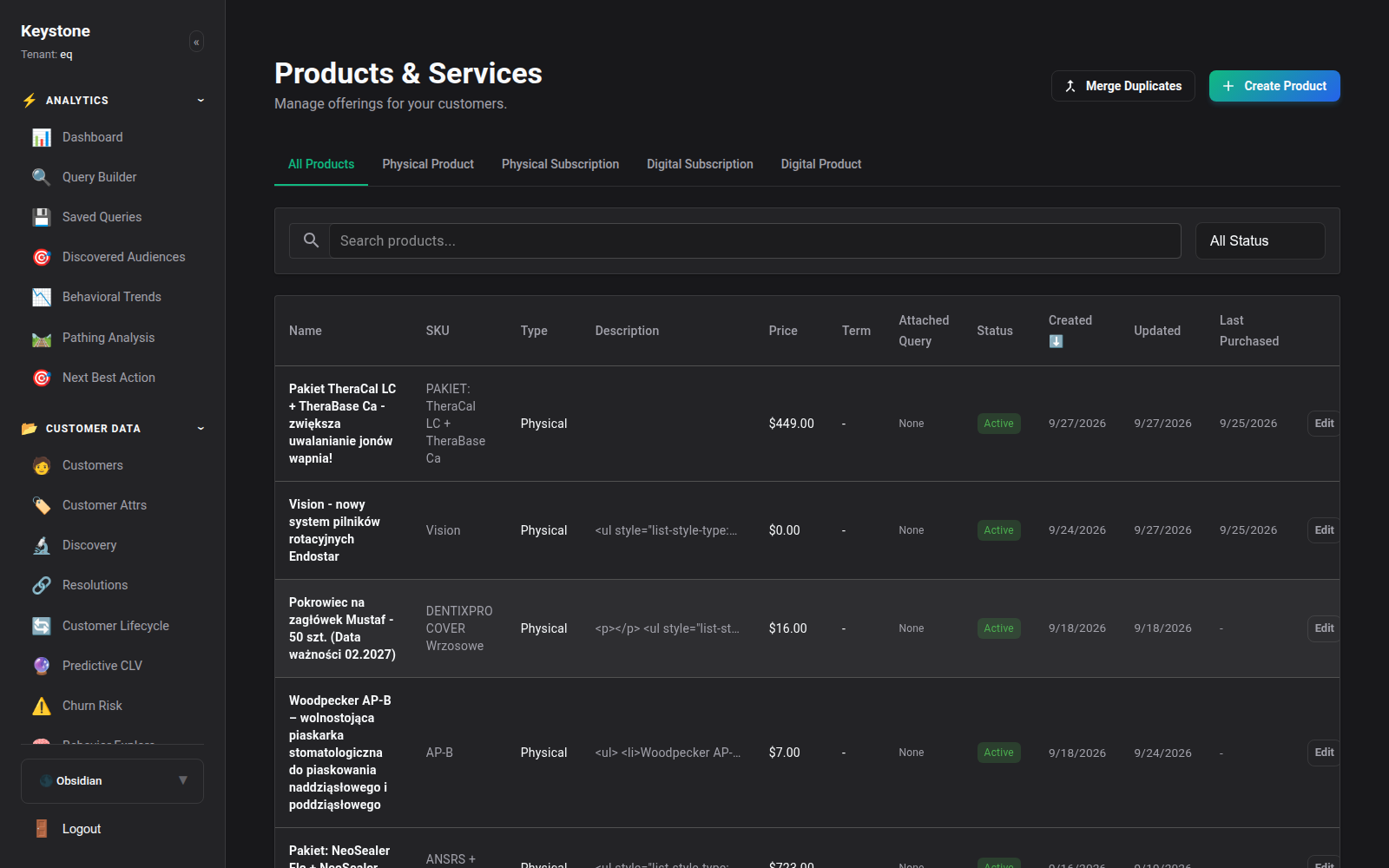
Directory Capabilities:
- Search & Filter: Find SKUs by title, product ID, category taxonomy, or manufacturer brand.
- Revenue Contribution: Live metrics for Lifetime Units Sold, Gross Revenue Generated, and Return Rate.
- Stock & Velocity Indicators: Current inventory velocity status (Fast Mover, Stable, Stagnant).
2. Dynamic Attribute Synthesis
Products in modern e-commerce often feature unstructured metadata: colors, dimensions, dental head sizes, materials, voltages, and compatibility notes.
Keystone's Autonomous Schema Discovery parses incoming product metadata and provisions dynamic attributes:
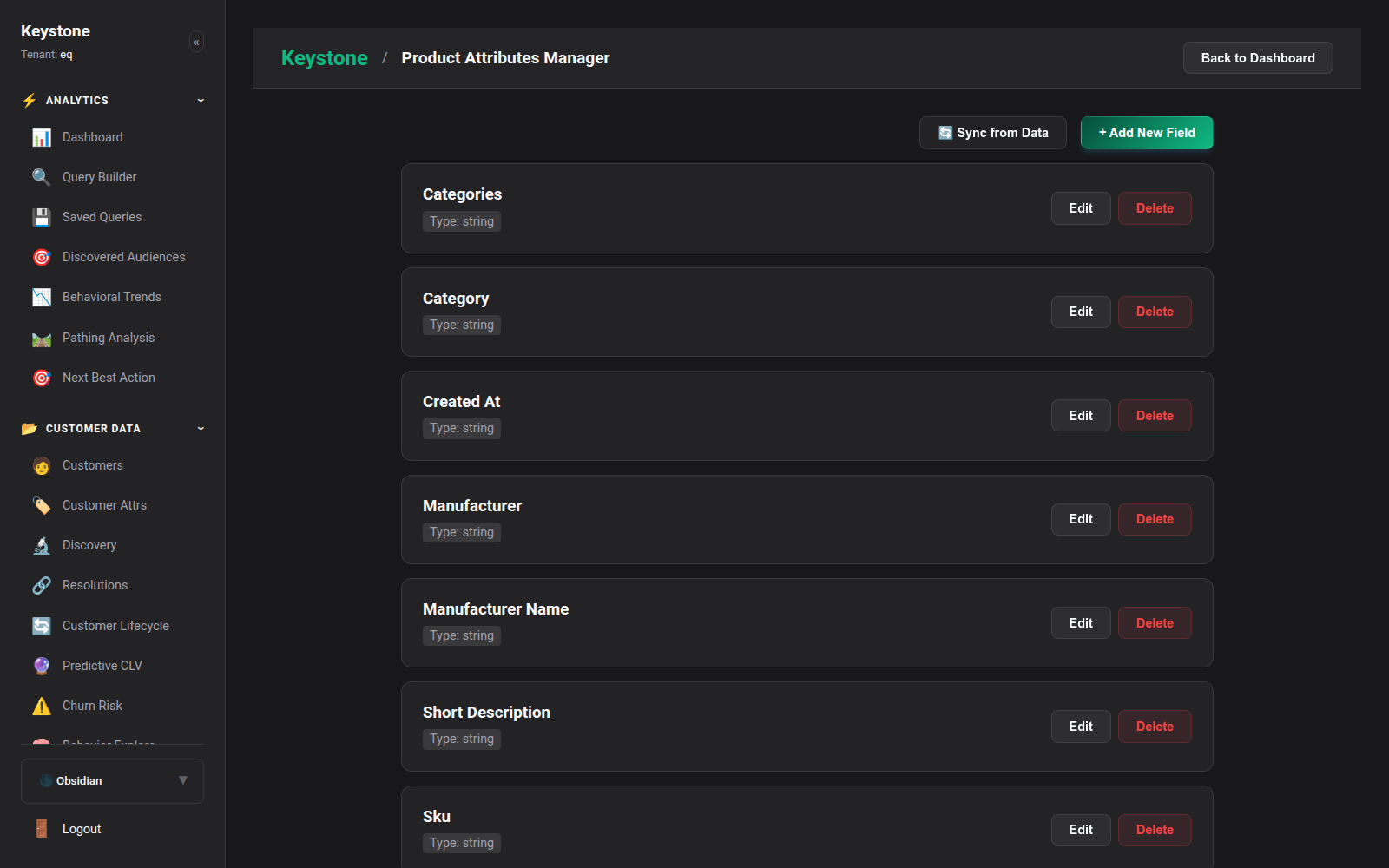
How Auto-Provisioning Works:
- Skeleton Product Creation: When a webhook or tracking event references a foreign
product_idthat does not exist in the catalog, Keystone automatically provisions a temporary skeleton product record. - Attribute Enrichment: Subsequent ingestion payloads backfill title, SKU, category, and price without manual data entry.
- Attribute Schema Management: Define validation rules (strings, numeric dimensions, enum lists) to normalize catalog data across multiple e-commerce channels.
3. Product Deep-Dive & Cross-Product Analysis
Navigate to Products -> Product Analysis (/products/analysis) to view deep-dive analytics for specific SKUs.
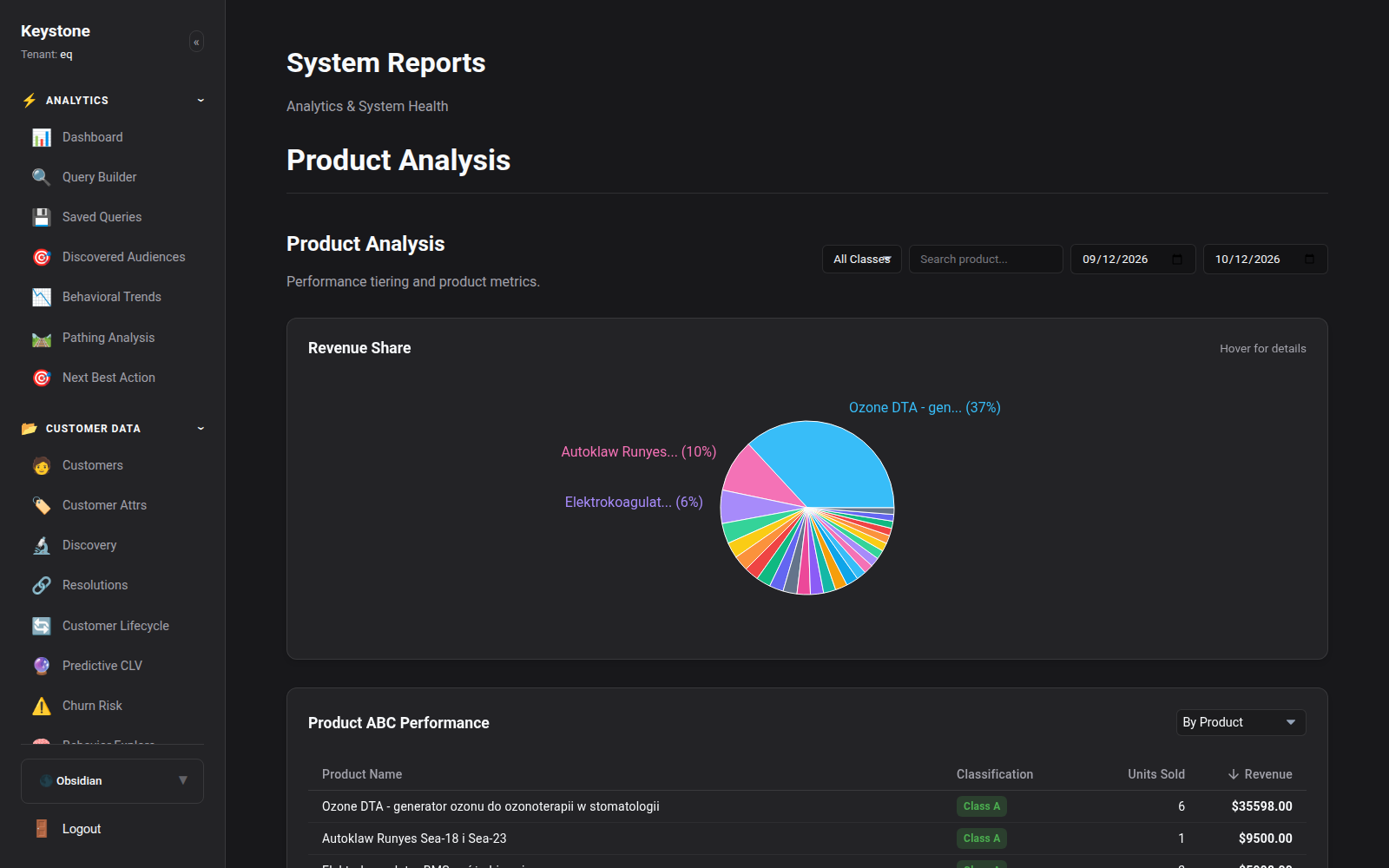
Cross-Product Affinity Analysis:
Navigate to Products -> Cross-Product Analysis (/products/cross-analysis) to identify co-purchase patterns:
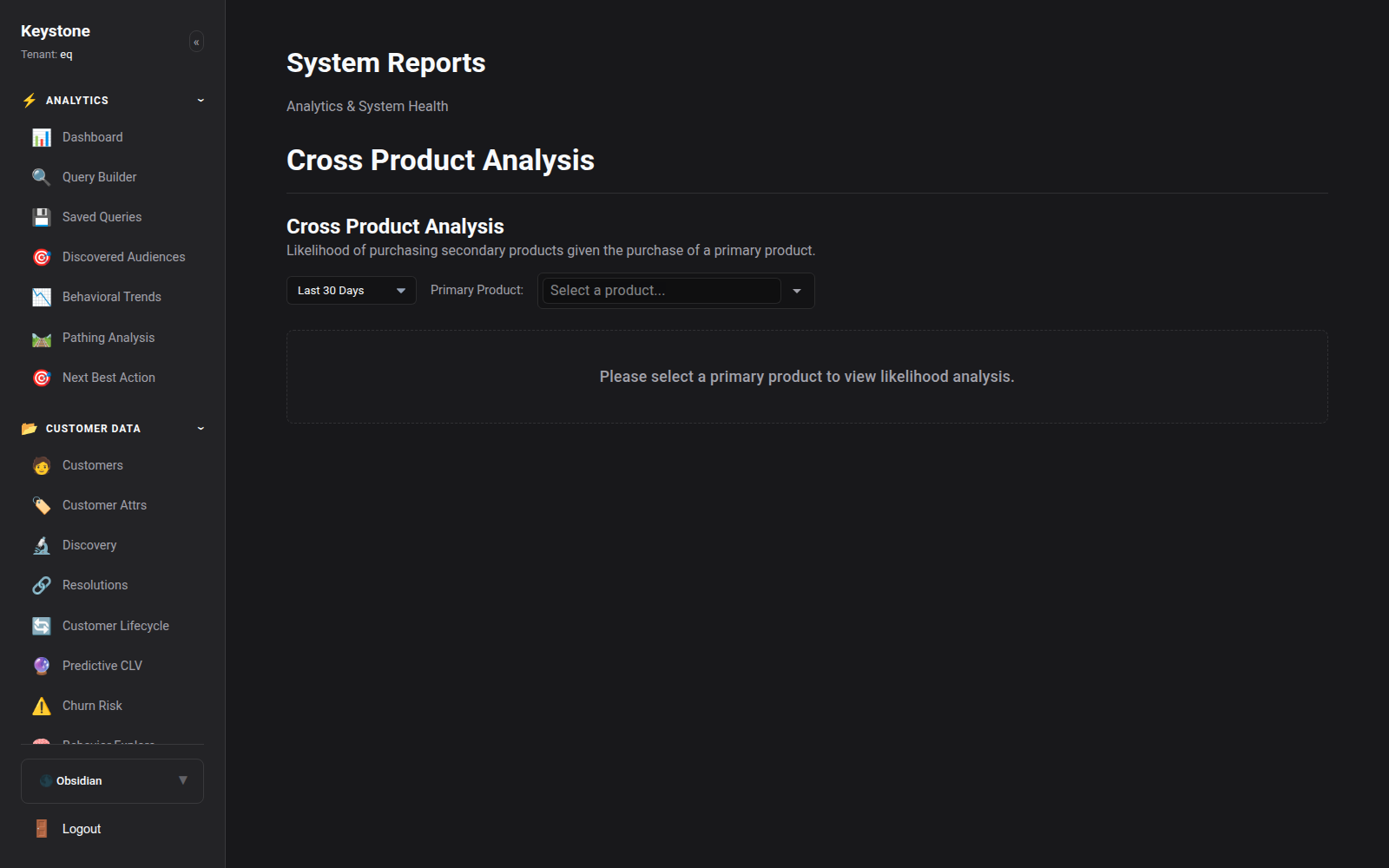
- Co-Purchase Rate: Percentage of orders containing Product A that also contain Product B.
- Sequential Next Purchase: Which products customers buy within 30, 60, or 90 days after buying a specific flagship product.
- Bundle Optimization: Data-driven bundling suggestions to maximize Average Order Value (AOV).