Visual Workflow Journeys & Automation
Customer Journeys allow growth teams to design multi-stage, event-driven automation workflows triggered by user behaviors, segment entries, or machine learning thresholds.
1. The Journeys Directory
Navigate to Activations -> Journeys (/activations/journeys) to inspect all configured customer lifecycles.
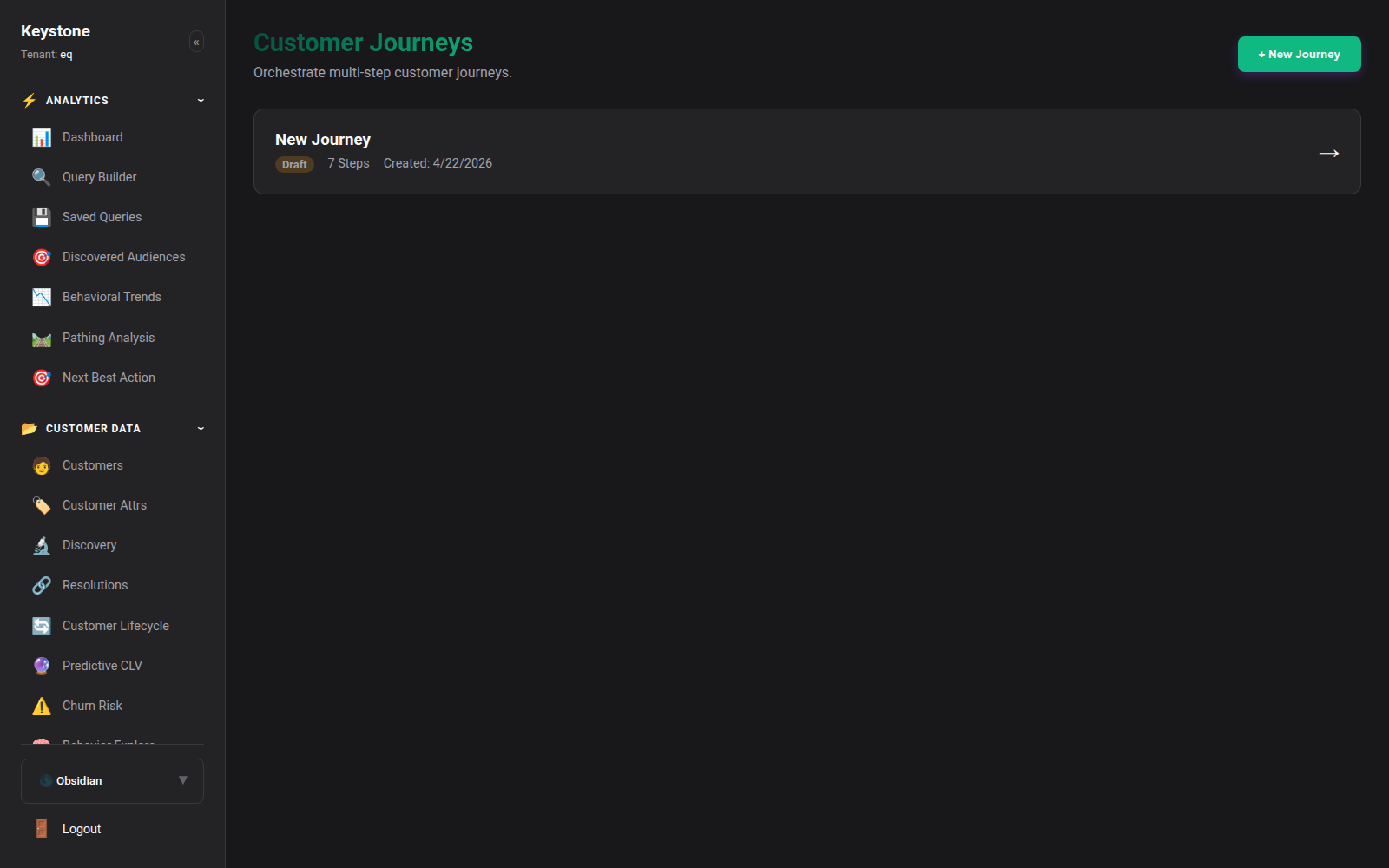
Click to enlarge
Key Metrics:
- Active Travelers: Total customer profiles currently progressing through each journey step.
- Conversion Rate: Percentage of travelers who completed the ultimate goal event (e.g. Completed Order).
- Execution State: Active, Paused, or Draft.
2. The Visual Workflow Builder
Click any journey to open the drag-and-drop canvas:
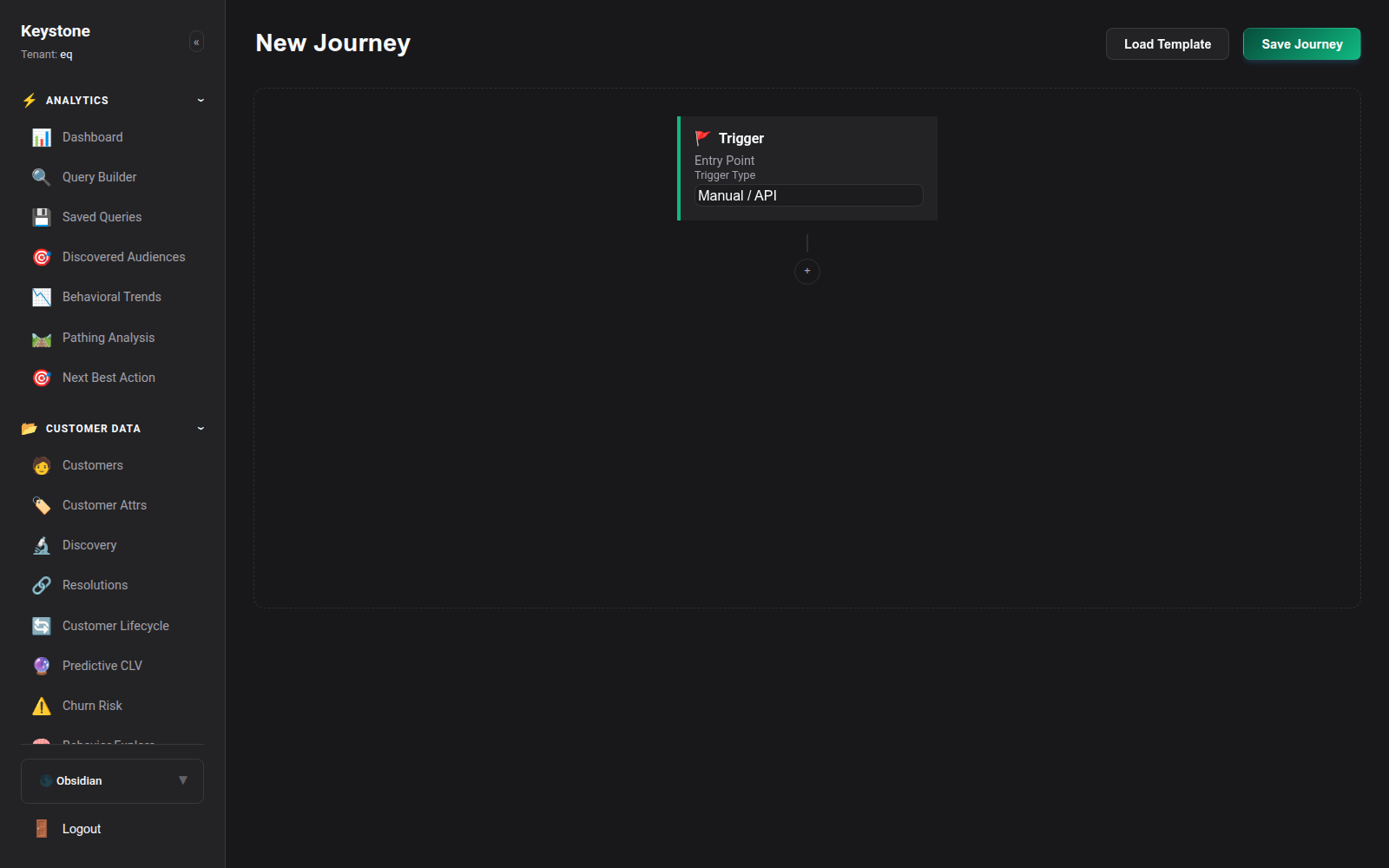
Click to enlarge
Core Journey Node Types:
graph TD
    Trigger([Trigger: Customer Enters 'At Risk' Segment]) --> Step1[Action: Send SMS Notification]
    Step1 --> Delay[Delay: Wait 48 Hours]
    Delay --> Branch{Condition: Has Completed Order?}

    Branch -->|Yes| ExitSuccess([Exit: Goal Achieved!])
    Branch -->|No| Step2[Action: Dispatch Outbound Webhook to CRM]
    Step2 --> ExitFail([Exit: Journey Complete])
- Triggers:
- Segment Entry / Exit: Triggered when customer qualification changes.
- Event Occurrence: Triggered immediately when a specific event (e.g.
Cart Abandoned,Subscription Cancelled) fires. -
Attribute Change: Triggered when
churn_risk_score > 0.70orpredicted_clvshifts tiers. -
Flow Controls:
- Delays: Hold travelers for a set duration (e.g. Wait 2 hours, Wait 3 days).
- Branching Conditions: Split travelers into separate paths based on subsequent behavior (e.g. If opened email, take Path A; else Path B).
-
A/B Split Testing: Randomly route travelers across 50/50 test variants.
-
Action Nodes:
- Dispatch Outbound Webhook: Send a custom JSON payload to any REST endpoint.
- Trigger Email / SMS: Dispatch messages via SendGrid, Mailgun, Twilio, or integrated marketing platforms.
- Update Attribute: Dynamically set a customer profile trait or tag.