System Health, Pulse Telemetry & Audit Fortress
Enterprise data operations require continuous reliability monitoring, proactive anomaly alerts, and strict governance logging. Keystone provides real-time system pulse telemetry and the Audit Fortress to guarantee data provenance and attribution integrity.
1. System Health & Real-Time Pulse
Navigate to System -> Health (/system/health) to inspect live infrastructure status.
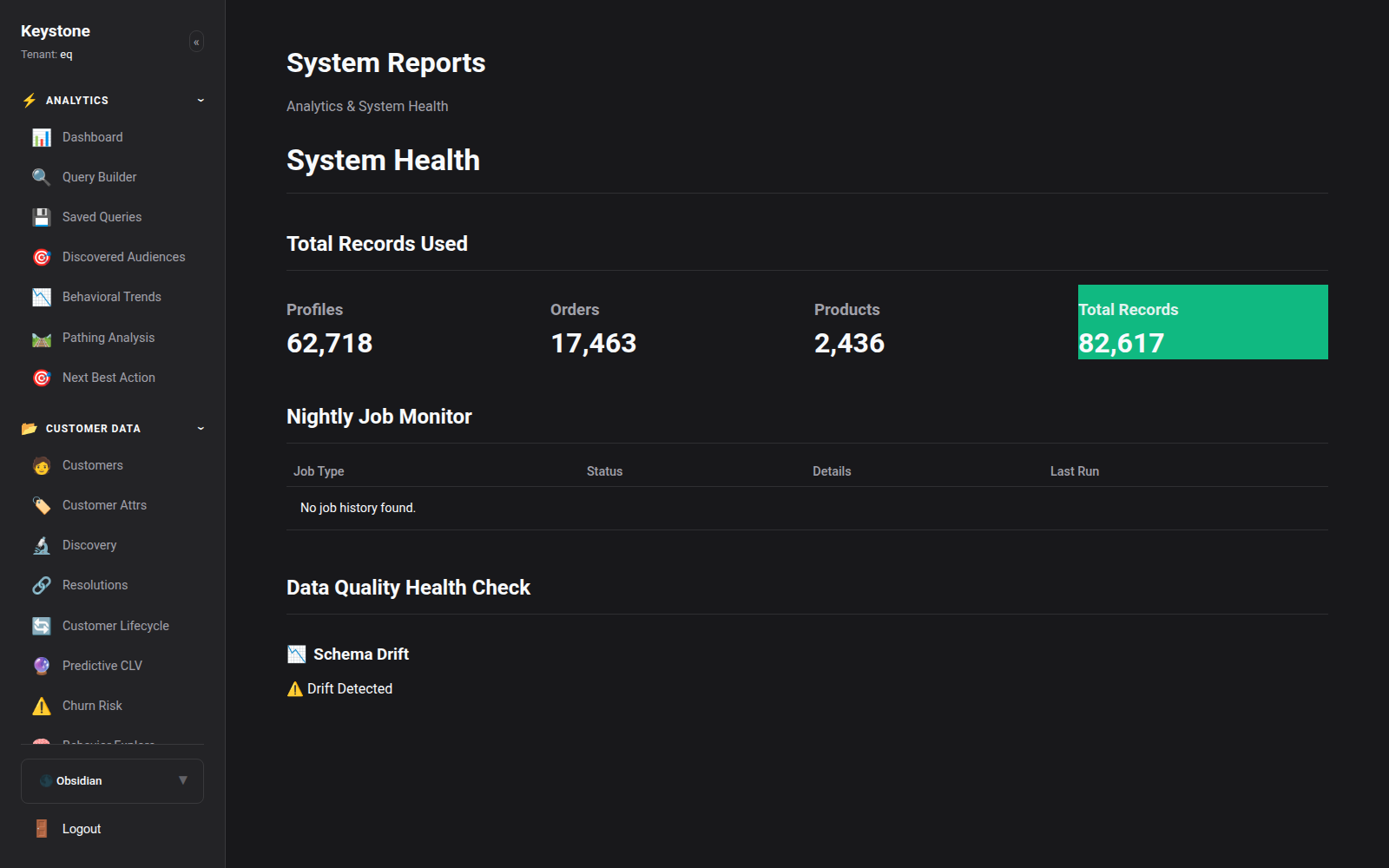
Key Health Telemetry:
- Ingestion Gateway Throughput: Real-time requests per second (RPS) and latency percentiles (p50, p95, p99).
- Redis Queue Depth: Active event queue counts and background processing lag.
- ARQ Worker Pool Status: Concurrency utilization and worker heartbeat status.
- Database Connection Pools: Active connections, query transaction times, and disk space utilization.
2. Data Health & Hygiene
Navigate to Data -> Health (/data/health) to evaluate incoming data quality.
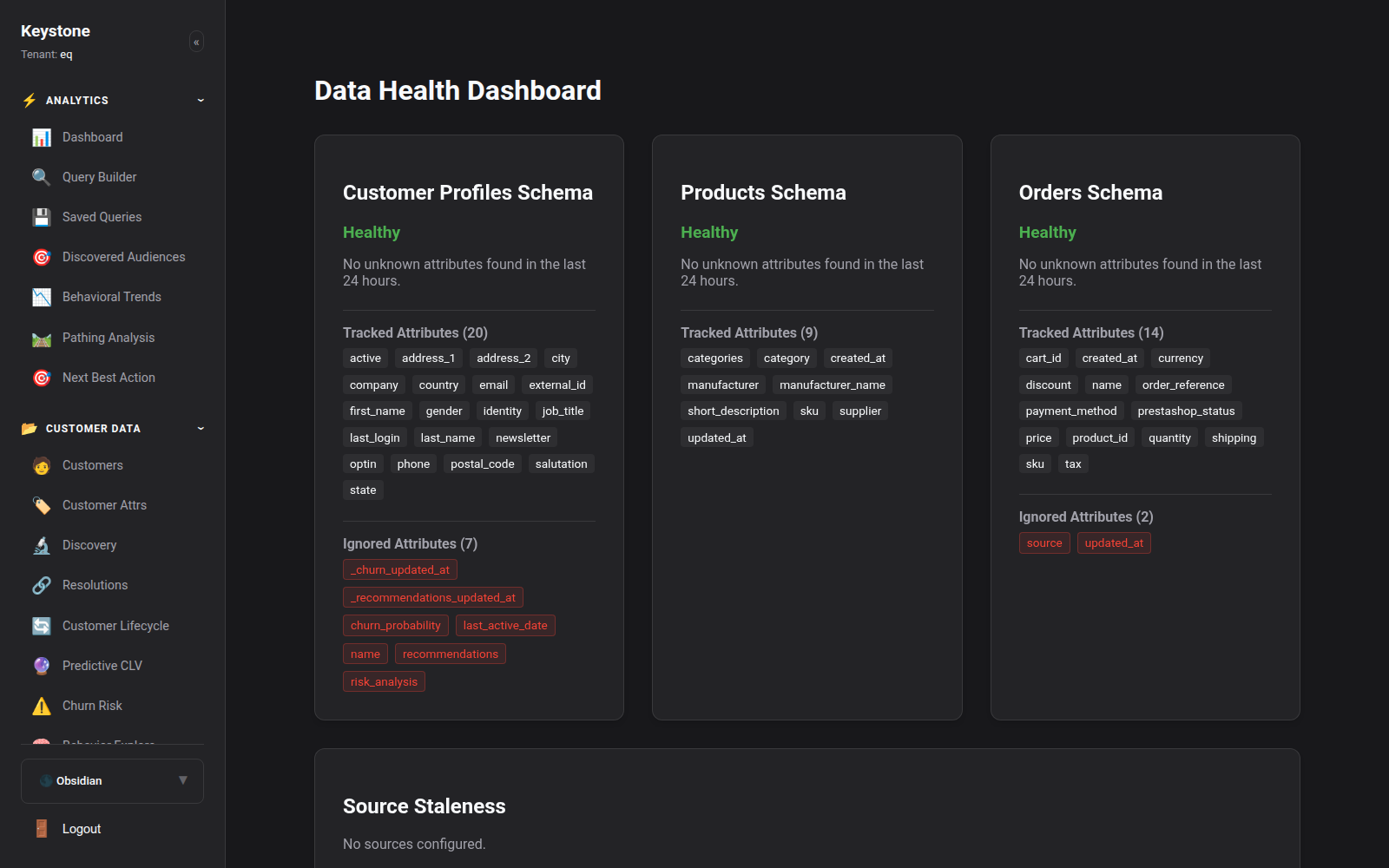
Data Quality Auditing:
- Malformed Payloads: Tracks events rejected due to invalid JSON syntax or missing required fields.
- Schema Drift Detection: Flags incoming events that contain novel, unmapped attributes.
- Deduplication Rate: Frequency of identical event submissions filtered out by unique event hashing.
3. The Audit Fortress (BPA / ABC Verification)
The Audit Fortress is Keystone's data governance layer validating vector attribution and identity lineage.
- Qualified Profiles: Customer entities with 100% verified deterministic identity joins and complete attribution lineage.
- Missing Data Alerts: Ingested entities that require secondary identifier resolution (e.g. phone confirmation).
- Expired Sessions: Anonymous tracking sessions that exceeded the reconciliation window without explicit authentication.
4. Anomaly Detection & Operational Alerts
Navigate to System -> Anomaly Alerts (/system/alerts) to configure automated threshold alerts:
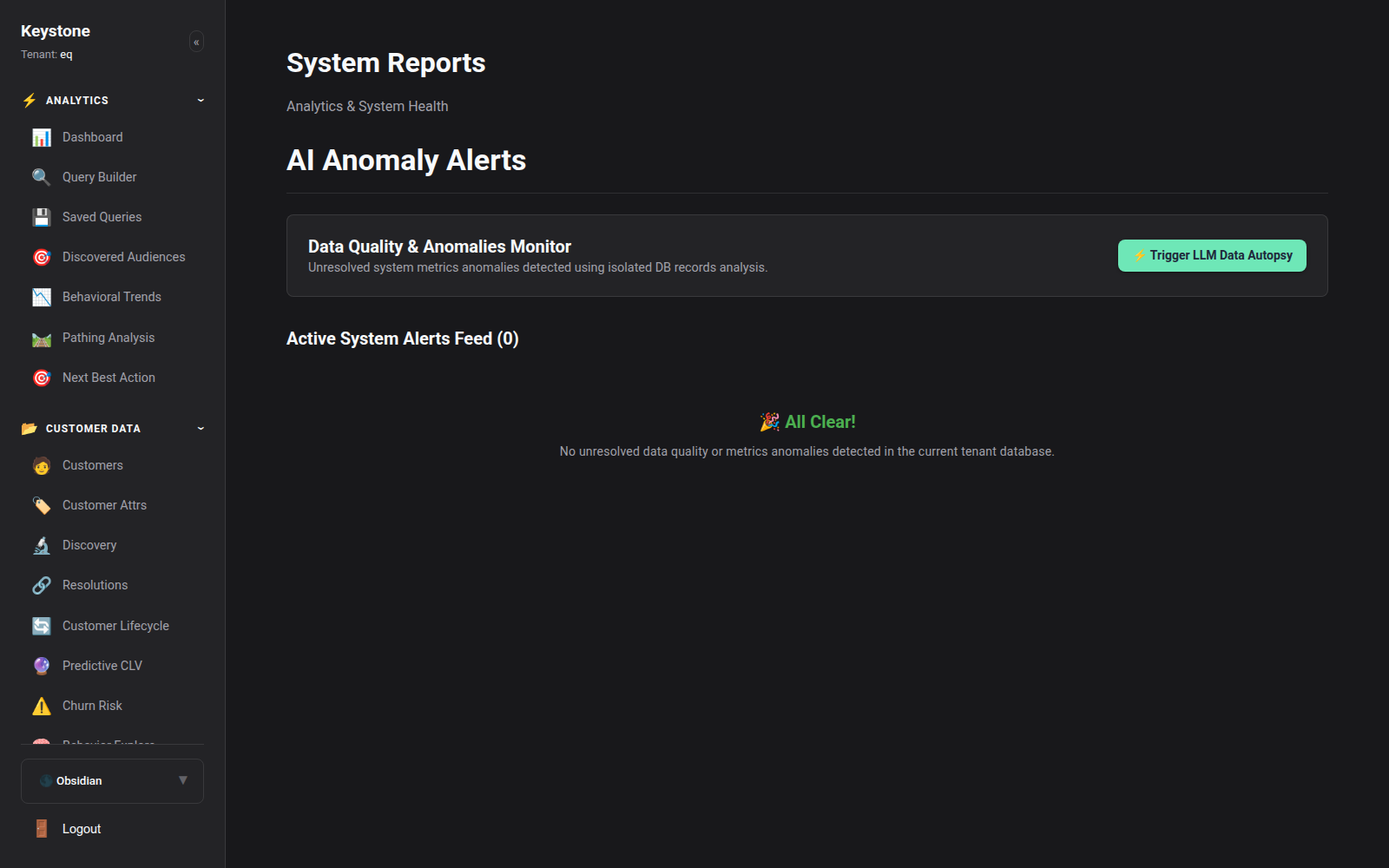
- Ingestion Drop Alert: Triggered if incoming tracking event volume drops below 20% of baseline during normal business hours.
- Error Spike Alert: Triggered if gateway HTTP 500 error rates exceed 0.5% over a 5-minute rolling window.
- Attribution Discrepancy: Flags unexpected variances between storefront order totals and attributed revenue.
- Notification Destinations: Stream alerts to Slack channels, Microsoft Teams, PagerDuty, or SMS.
5. Immutable Audit Logs
Navigate to System -> Audit Logs (/system/audit-logs) to review the immutable compliance ledger.
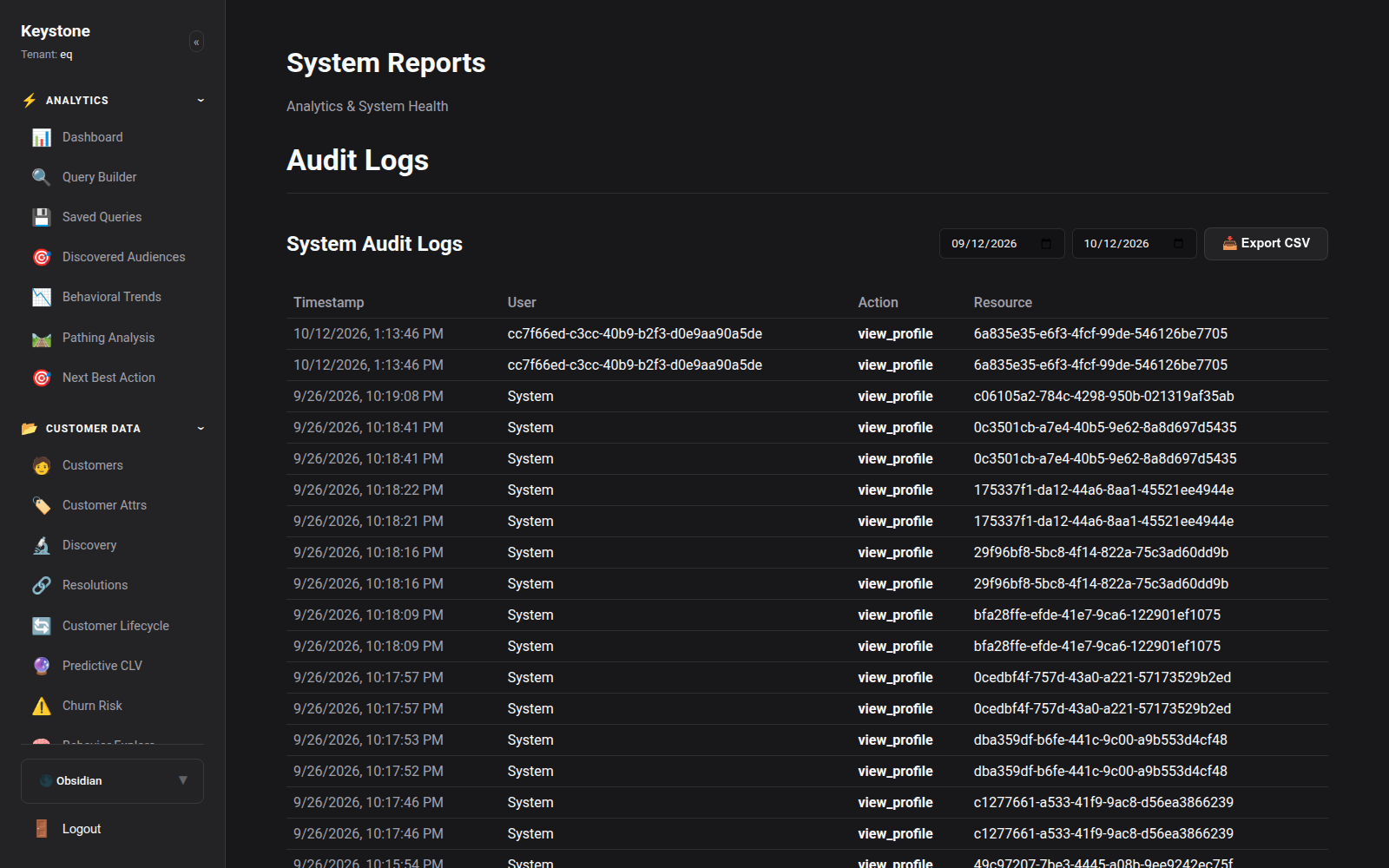
Every administrative action—role change, export trigger, identity collapse, segment deletion, and API key generation—is permanently logged with: - Timestamp (UTC) - Actor ID & User Email - IP Address & User Agent - Action Type - Resource Target & Exact Payload Delta