Workspace & Tracking Settings
Workspace settings govern the core configuration of your tenant instance, including localization, currency definitions, security domain whitelists, and public web tracking keys.
1. General Workspace Settings
Navigate to System -> Settings (/settings) to view and modify global workspace parameters.
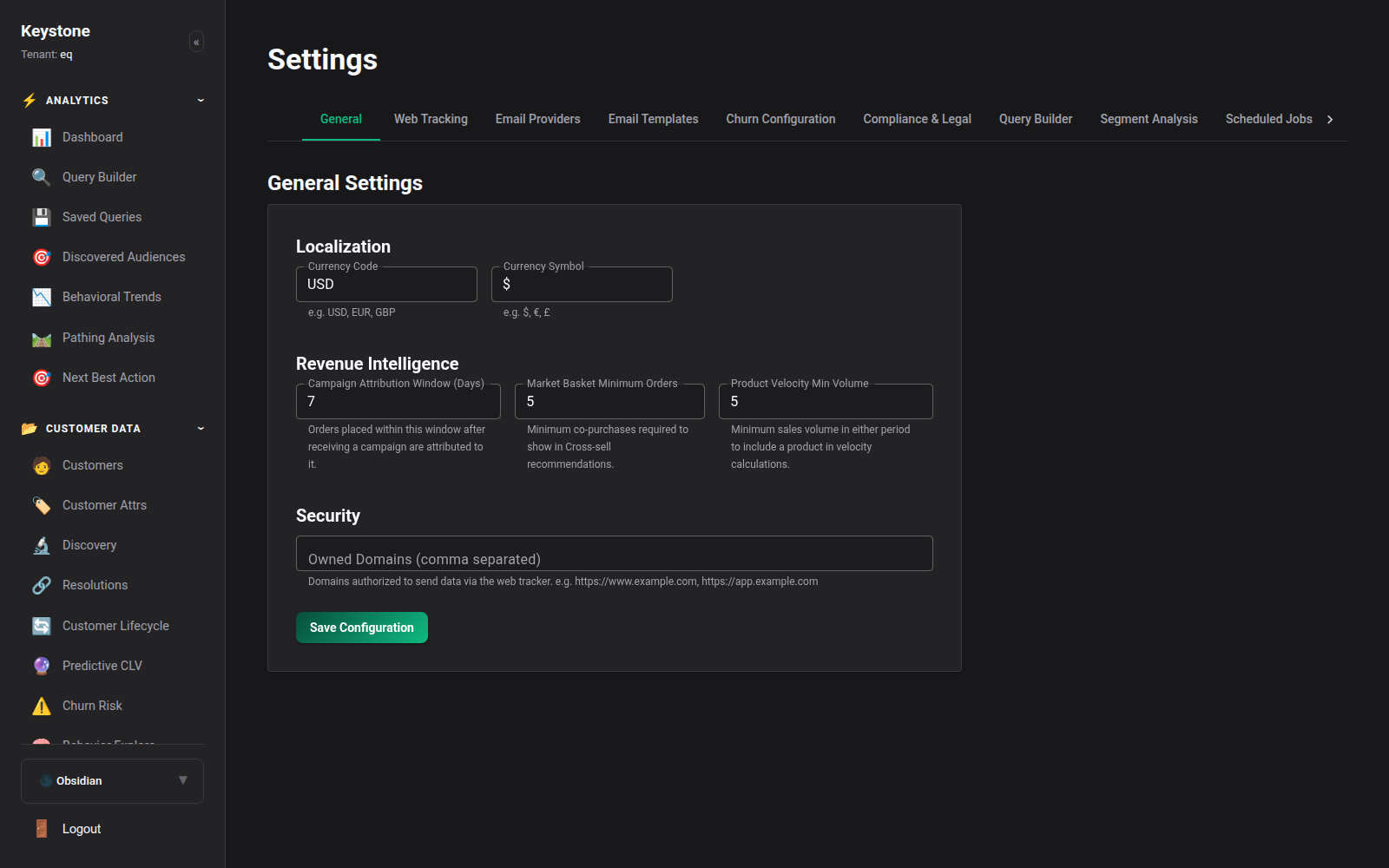
Key Parameters:
- Tenant Identifier & Name: The unique workspace slug (
eq) and public branding name. - Default Currency & Localization: Preferred reporting currency (e.g.
USD ($),EUR (€),GBP (£)) and timezone. - Attribution Lookback Window: Default rolling attribution lookback period (30 days, 60 days, 90 days).
- Security Domain Whitelist: Strict list of fully qualified domain names (FQDNs) permitted to transmit client-side events via CORS to the ingestion gateway (e.g.
https://shop.example.com,https://checkout.example.com).
2. Web Tracking Integration Settings
Navigate to System -> Settings -> Tracking (/settings/tracking) to manage web tracking snippets and public keys.
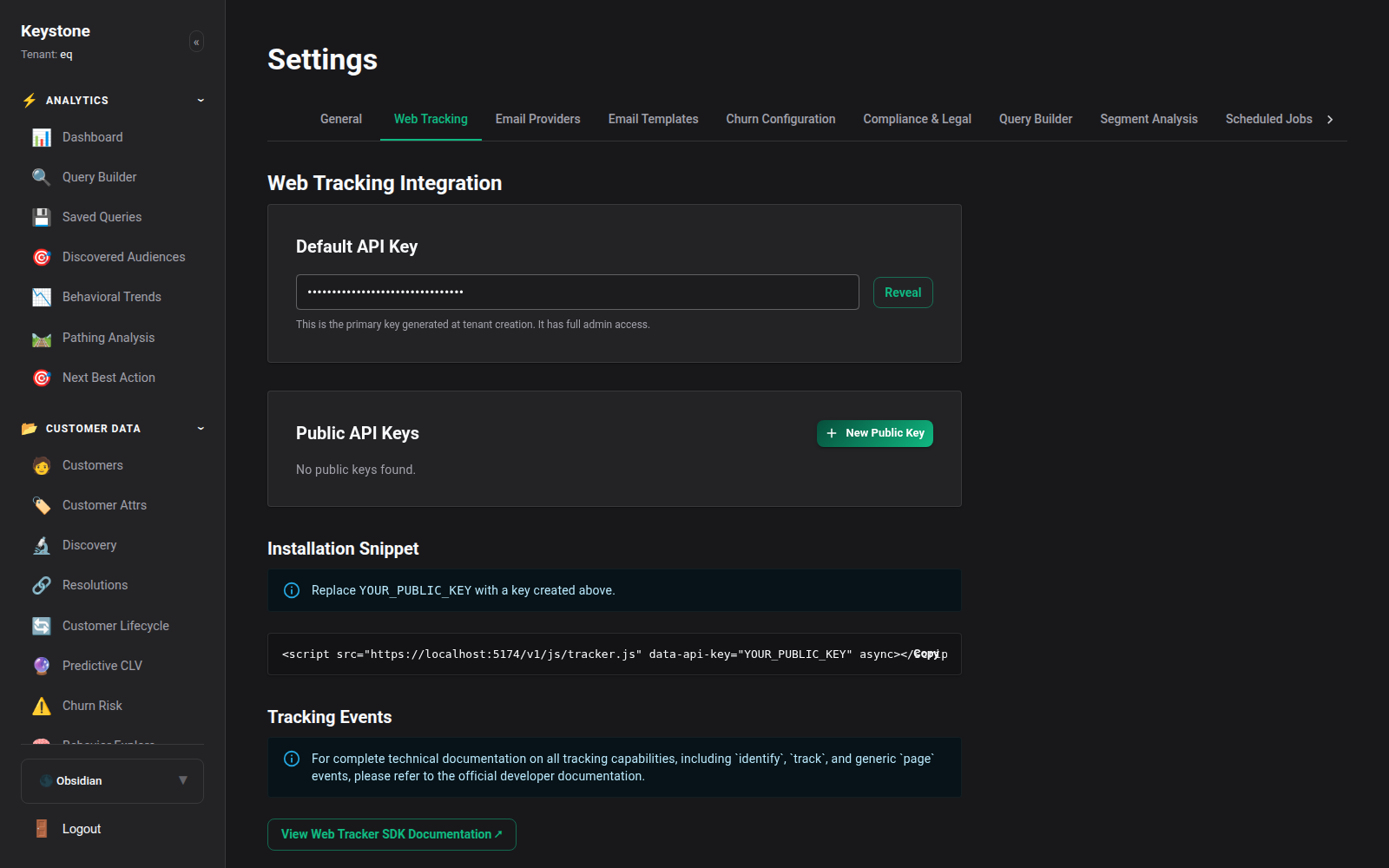
Key Tracking Elements:
- Default Public Tracking Key: The scoped API token used by
tracker.js. This key only has permission to submit tracking events and cannot read customer records or access reporting APIs. - Asynchronous Code Snippet: Ready-to-copy HTML code block pre-populated with your workspace domain and public key.
- Auto-Capture Options: Toggle automatic capture of outbound link clicks, file downloads, and video interactions without custom JavaScript code.
3. Revenue Attribution Configuration
Within settings, you can calibrate default attribution weighting: - First-Touch Weight: Top-of-funnel discovery attribution percentage. - Last-Touch Weight: Direct conversion attribution percentage. - Assisted Touchpoint Decay: Half-life decay rate applied to intermediate touches. - Vector-Based Trajectory Attribution: Enable/disable 1536-dimensional cosine trajectory calculations.